
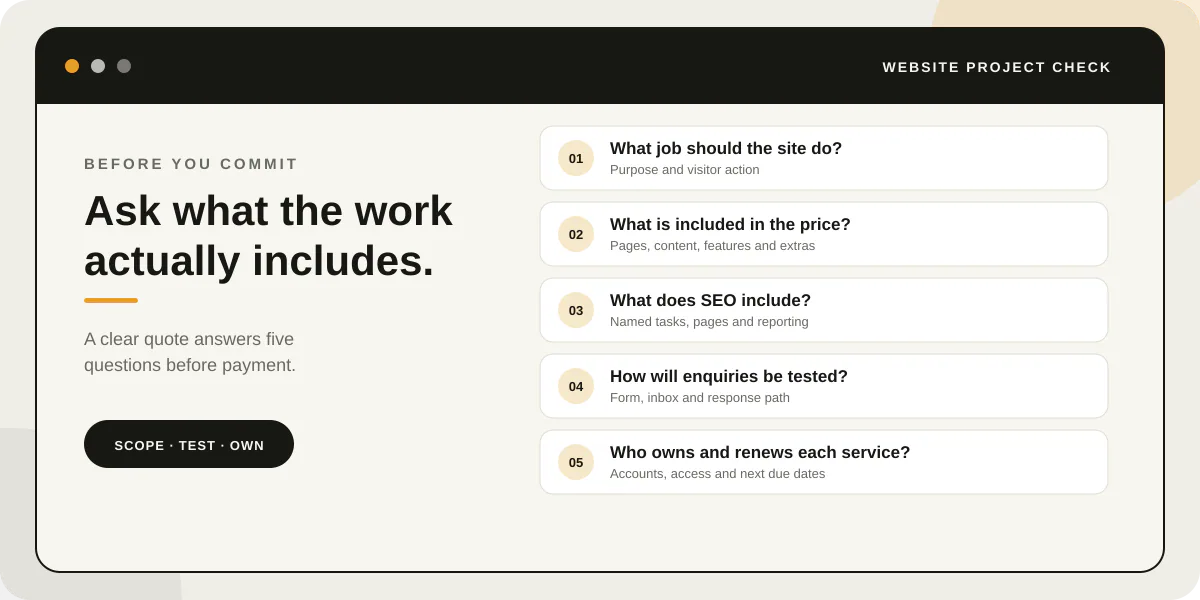
Before paying for a small-business website, define the job it must do, compare included work and extra costs, confirm what content you must supply, test the enquiry route and agree who controls the domain, hosting and accounts.
Before paying for a website, agree on the job it needs to do and how you will know the work is complete. A clear quote names the pages, content, features, handover and recurring costs. These questions follow the buying decision: define the job, compare the work, inspect the search promise, test enquiries and agree the handover.
Updated 7 November 2026: This guide now focuses on five checks for comparing website quotes.
Five checks at a glance
Use this worksheet to compare two proposals. Record each provider’s written answer rather than filling gaps with assumptions.
| What to compare | Proposal A | Proposal B |
|---|---|---|
| Main visitor action and included pages | ||
| Content and business information you must supply | ||
| Search tasks included and excluded | ||
| Enquiry method, testing and any extra cost | ||
| One-off price, recurring costs and account owner |
1. What should the website help a customer do?
Name the first useful action: request a quote, book a service, visit a location or buy a product. Then ask the designer to show how the page order and contact route support that action.
If you are still working out the offer or audience, start with a short brief before paying for design. This website project brief helps you describe the business, visitor and required pages.
2. What is included in the price, and what will I supply?
Ask for the page count, content responsibilities, design and development work, revisions, launch steps, support and exclusions in writing. Confirm whether you need to provide the logo, business details, photography and final copy.
For a current example, IDJoy lists its five-page Website Launch at R4,199 once-off. The package includes a mobile-first layout, a five-page structure, navigation, enquiry prompts, page titles, descriptions and heading structure. The client supplies the company profile, logo and accurate business details. An automated enquiry form is a priced upgrade. This is one published package, not a market average. Check the current package scope and price before comparing it with a quote.
Compare proposals line by line in the website quote scope guide. A lower price may leave out work you need; a higher price should explain which additional work it covers.
3. What does “SEO included” mean in this proposal?
Ask the provider to name the tasks and pages. “SEO included” could mean only page titles and headings, or it could include broader content, local search setup, reporting and ongoing changes.
Google’s SEO Starter Guide describes practices that help search engines understand a site. It also says no change guarantees a first-place ranking. Ask what the provider will implement and report, and which outcomes they cannot control.
4. How will you test the enquiry route?
Before launch, submit a real test from a phone. Confirm that the form shows a clear success message, the enquiry reaches the agreed inbox and someone knows who will respond. If the site uses WhatsApp or booking software, test that path too.
Do not treat a styled button as proof that the process works. This contact form checklist covers practical checks for delivery and follow-up.
5. What will I own, access and renew after launch?
List the domain, hosting, website files, analytics, business email and any paid tools. For each one, record whose name the account uses, who can sign in, what renews, when the next payment is due and how to transfer access.
The provider can manage these services, but the agreement should say how your business keeps access if you change providers. Use the domain and website ownership guide to check the handover details.
Compare the answers before you commit
Put each proposal beside the same five questions. If an answer is missing, ask for it in writing before paying a deposit. Choose the scope that fits the job you need done now; you can add features when a real requirement appears.
If you want to compare a defined starting scope, see IDJoy’s current website packages.