
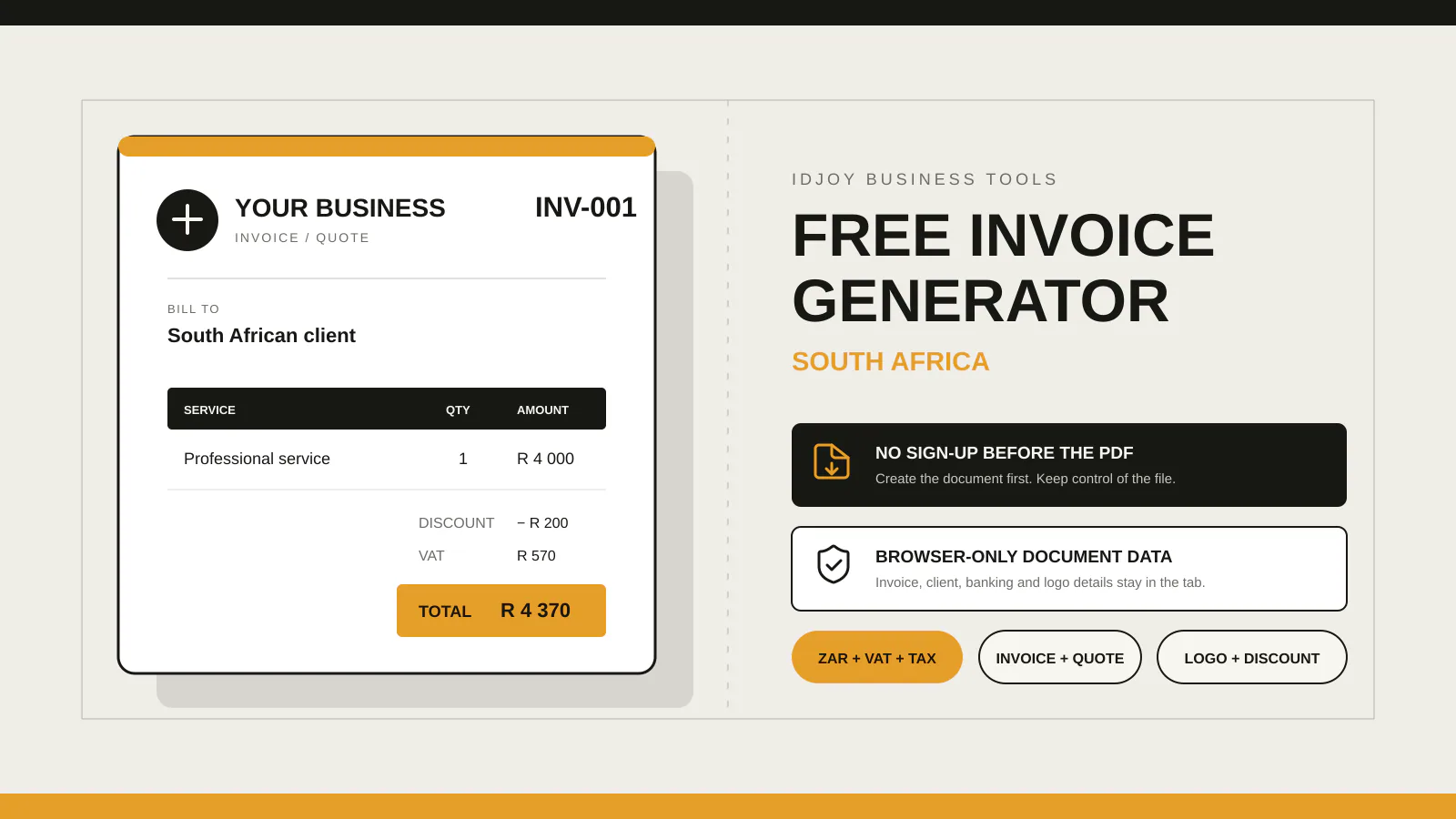
For a straightforward standard-rated supply where an upfront discount reduces the agreed consideration before invoicing, calculate VAT on the discounted taxable amount. At 15%, a R1,000 subtotal less a R100 discount leaves R900 before VAT, so VAT is R135 and the total is R1,035. A discount agreed after the tax invoice, or one conditional on later payment, may follow a different SARS adjustment rule.
For a VAT-registered supplier making an ordinary standard-rated supply, an upfront discount reduces the agreed amount before VAT is calculated. At the current 15% standard rate, a R1,000 VAT-exclusive subtotal less a R100 discount leaves R900; VAT is R135 and the total is R1,035. SARS lists the 15% rate and notes that some supplies are zero-rated or exempt, so check the treatment of the actual supply.
This guide uses simple examples. Discounts can be structured in many ways, and special supplies, rebates, credit arrangements or industry-specific rules can change the VAT treatment. Use current SARS guidance or a tax professional when the transaction is not straightforward.
Updated 6 November 2026: This guide now links to SARS’s vendor guide for post-invoice and conditional-discount rules and adds a VAT-inclusive calculation example.
Percentage discounts follow the same order
Assume:
Subtotal: R2,000.00
Discount: 10%
Calculate the discount:
R2,000.00 × 10% = R200.00Then the discounted taxable amount:
R2,000.00 - R200.00 = R1,800.00Then VAT at 15%:
R1,800.00 × 15% = R270.00Final total:
R1,800.00 + R270.00 = R2,070.00The calculation should be visible enough that the customer or accountant can reproduce it.
Decide whether the displayed prices are VAT-exclusive or VAT-inclusive
The examples above start with a VAT-exclusive subtotal.
A VAT vendor must include VAT in prices charged, advertised or quoted, according to the SARS VAT 404 Guide for Vendors. A VAT-inclusive price already contains the tax.
Your invoicing system must know which basis the entered amount uses.
Do not take a VAT-inclusive price, add 15% again and then call the result “VAT included”.
For one standard-rated amount at 15%, the VAT contained in a VAT-inclusive total is total × 15 ÷ 115. For example, R1,150 × 15 ÷ 115 = R150 VAT, leaving R1,000 before VAT. SARS VAT 404 shows this tax-fraction method for standard-rated totals. Apply the discount to the amount agreed with the customer, then calculate or extract VAT using the correct basis for that transaction.
The invoice should make the treatment understandable to the customer.
Put the discount where the customer can see it
Show an invoice-level discount as a separate amount in the summary; show a line-level discount against the relevant item where the software supports it.
Do not mix percentage and fixed discounts accidentally
Confirm whether the amount entered is a percentage or a fixed currency value. The IDJoy calculator offers both modes, so make the selected type and unit clear on the invoice.
Discounts after the original invoice are a different event
Suppose the supplier originally invoiced R1,000 plus VAT, then later agrees to reduce the price because of a service issue or commercial settlement.
That is not the same as an upfront discount already reflected in the original calculation.
The SARS VAT 404 Guide for Vendors says a supplier must issue a debit or credit note when a tax invoice has been issued and an applicable event changes the consideration or makes the tax charged incorrect. Examples include an agreed reduction in consideration, cancellation, a fundamental change to the supply, returned goods, or an overstated or understated invoice price. The guide lists a separate rule for some prompt-payment discounts, explained below.
Do not edit the original PDF and issue it as a replacement tax invoice. Keep the original transaction record and use the required adjustment document when the rules call for one.
Link the credit note to the original transaction
A credit note should identify the original transaction and show the adjustment. SARS lists the issue date, changed consideration and VAT, reason for the adjustment, and enough information to identify the original transaction, such as its tax-invoice number and date.
Keep:
- original invoice number;
- original date;
- reason for adjustment;
- amount reduced;
- VAT adjustment;
- credit-note number;
- date of credit note.
This creates an audit trail and helps the customer’s accounts team match the change.
If your software does not support credit notes, confirm the correct accounting process before inventing a workaround.
Be careful with conditional discounts
Some discounts depend on a future event:
- early payment;
- volume threshold;
- rebate target;
- return of goods;
- performance condition.
The SARS VAT 404 Guide gives a specific example for prompt-payment discounts. If the tax invoice lists the discount terms but the customer meets them in a later tax reporting period, the supplier initially reports VAT on the amount before the discount. A credit note is not required for this case. When the customer meets the condition, the supplier and a VAT-registered customer make the VAT return adjustments described in the guide; for the customer, this can mean reducing the VAT previously deducted on that purchase. A tax period is the reporting period used for a vendor’s VAT return. Other rebates and conditional discounts may have different treatment, so check the guide or ask a tax practitioner about the agreement.
The IDJoy calculator uses discount-before-tax logic
The free IDJoy Invoice Generator supports percentage or fixed-value discounts and subtracts the discount from the subtotal before calculating the selected VAT or custom tax amount. This describes the calculator’s arithmetic, not a decision about which rate or tax treatment applies.
Enter your email to unlock the VAT-exclusive worksheet below and reproduce the upfront-discount example before sending an invoice. Then open the free IDJoy Invoice Generator when you are ready to build the document.