
Before work starts, confirm the client legal entity, project contact, accounts-payable contact, scope, price, approval point, payment terms, purchase-order requirement, tax treatment and who can approve changes. Capture the answers in writing so the quote, work and final invoice tell the same story.
Payment problems often begin before the first line of work. The supplier knows the project contact. Nobody confirms who can approve extra work, which company must be invoiced or where accounts payable expects the PDF.
Ask these questions at onboarding.
Updated 5 November 2026: added a South African invoice check and clarified when to confirm payment terms and purchase-order details.
Who is buying?
Record the client’s legal entity, trading name, address and VAT information where the transaction requires it. Ask who signs off the agreement and who can approve a change in scope.
What exactly is included?
List deliverables, deadline, client responsibilities, revision limits and exclusions. Avoid broad labels such as “digital marketing support” when the client expects defined output.
How will approval work?
Name the person who approves a milestone and the time allowed for feedback. Without an approval process, a project can stall while your payment date gets closer.
How will payment work?
Ask for the accounts-payable contact, PO or vendor code, payment period, required invoice format and any portal submission rule. Confirm what starts the payment clock, such as invoice receipt or milestone approval, and who confirms that the invoice has been accepted. Agree deposits or milestones in writing before work begins.
What changes need new approval?
State that additional deliverables, revisions beyond the agreed limit or changed deadlines require a written price and approval. This protects the client from surprise costs and protects you from unpaid additions.
Turn answers into documents
Use the answers in the quote, agreement and invoice. A client should not see a different scope, different total or unexpected payment term when the PDF arrives.
For a South African VAT tax invoice, check the current SARS invoice requirements; required details depend on the transaction and invoice type. Confirm VAT treatment with SARS or a qualified tax practitioner if you are unsure.
Use this final check:
- Legal billing name and address match the client record.
- The PO, vendor code or purchase reference is included if required.
- The invoice goes to the named accounts-payable contact through the correct portal or email.
- Scope, approved changes, amount and payment trigger match the quote or agreement.
- Required tax-invoice details match the transaction and current SARS guidance.
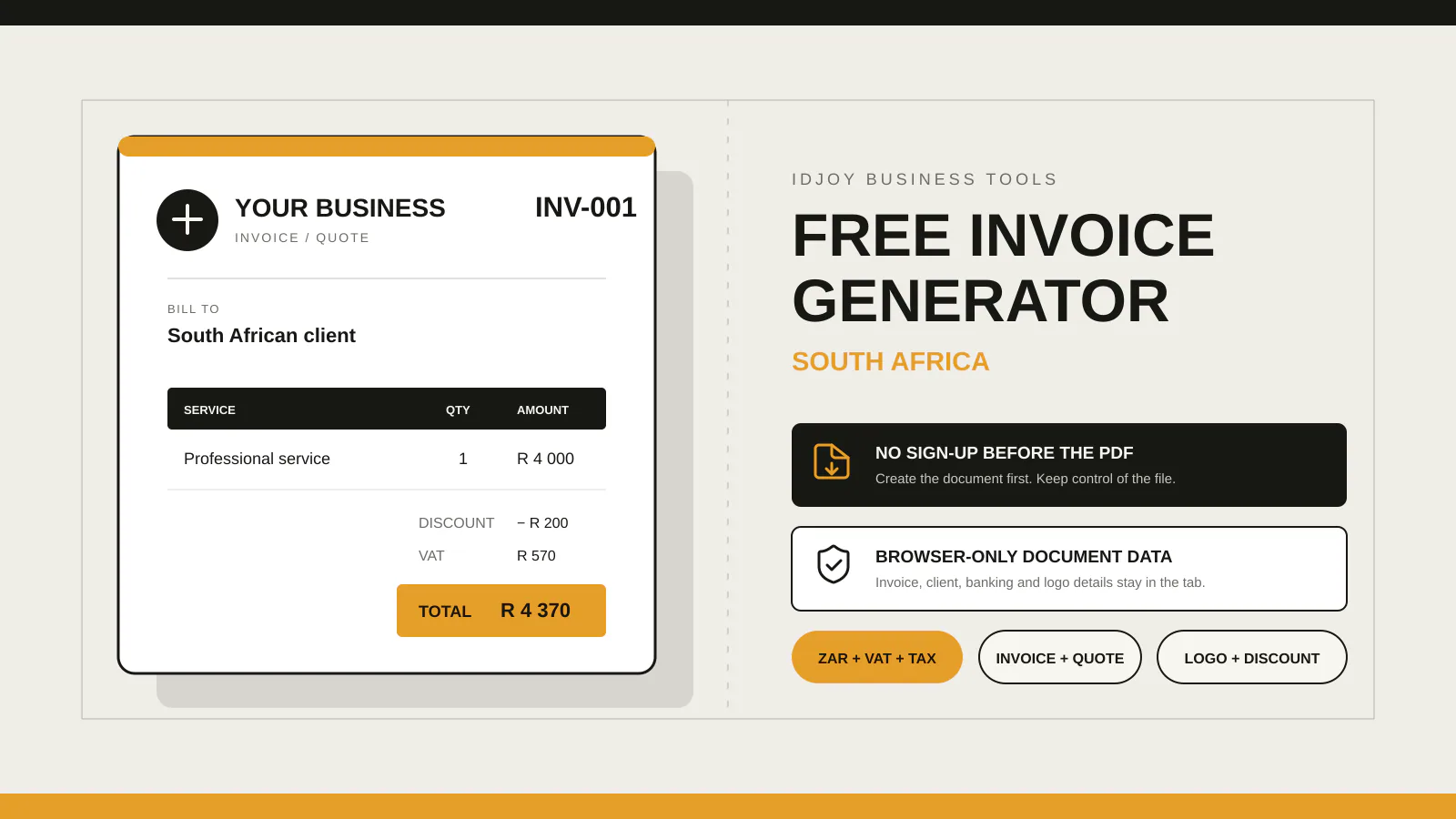
IDJoy’s free generator creates quotes and invoices that you can download as PDFs without signing up. Its page also shows an optional workspace save for eligible ordinary ZAR invoices, with sign-in and confirmation described in the FAQ. The separate invoice workspace requires sign-in and available workspace access; its page describes reusable business and client details, drafts and invoice history, but says workspace invoices do not calculate VAT. Use the free generator for quotes, tax invoices or invoices that need VAT.