
Before sending your first invoice, confirm the agreed scope, price and payment terms; ask who processes supplier invoices; add a unique number, issue date, due date, clear work description and payment details; then send a readable PDF. If you are a VAT vendor, check SARS’s current tax-invoice rules and issue the tax invoice within the required period.
Before sending a first invoice, check it against the agreement: what you delivered, the price, any agreed tax treatment and the payment date. An invoice records the amount due; it cannot settle a disagreement about work or price that was never agreed.
An ordinary commercial invoice is not automatically a VAT tax invoice. If you are registered as a VAT vendor and the supply requires a tax invoice, follow the current SARS rules for its contents and issue period.
Get the billing contact before you create the PDF
The project contact may not be the person who pays suppliers. Ask for:
- the legal entity to invoice;
- the accounts-payable email address;
- a purchase-order or vendor number, if required;
- the payment process and usual payment period.
Sending the invoice to the right contact gives the client’s payment team the details it needs to route the document.
Include the details a client needs to approve payment
For a clear commercial invoice, show your business and client details, a unique invoice number, issue date, agreed due date, an accurate description of the work, amount due and payment instructions. A VAT tax invoice may have additional SARS requirements, so check the linked SARS guidance if you are a VAT vendor.
For service work, replace vague phrases such as “services rendered” with a description the client can match to the job. “August website maintenance” or “logo design, final approved files” gives accounts payable something to verify.
SARS says a tax invoice must generally be issued within 21 days of the supply. Its guidance distinguishes full and abridged tax invoices by transaction value and lists the required fields; exceptions can apply. Confirm the current requirements for your transaction before issuing the document. The free generator helps with document fields and totals. It cannot determine whether you should register for VAT or what tax treatment applies to your business.
Set a due date
“Pay soon” creates a conversation later. State a date.
Invoice date: 5 November 2026
Payment due: 19 November 2026
Payment reference: INV-2026-001
The due date is the date you and the client agreed, not an automatic 14- or 30-day legal term. If you agree Net 14 or Net 30, show the calculated date so the client does not need to work it out.
Make payment easy to match
Include the account holder, bank, account number, branch code where relevant and the invoice number as the payment reference. If anyone later sends changed banking details, verify the change through a contact method you already trust before paying or asking a client to pay.
Create the PDF, then save an eligible invoice if you need a workspace
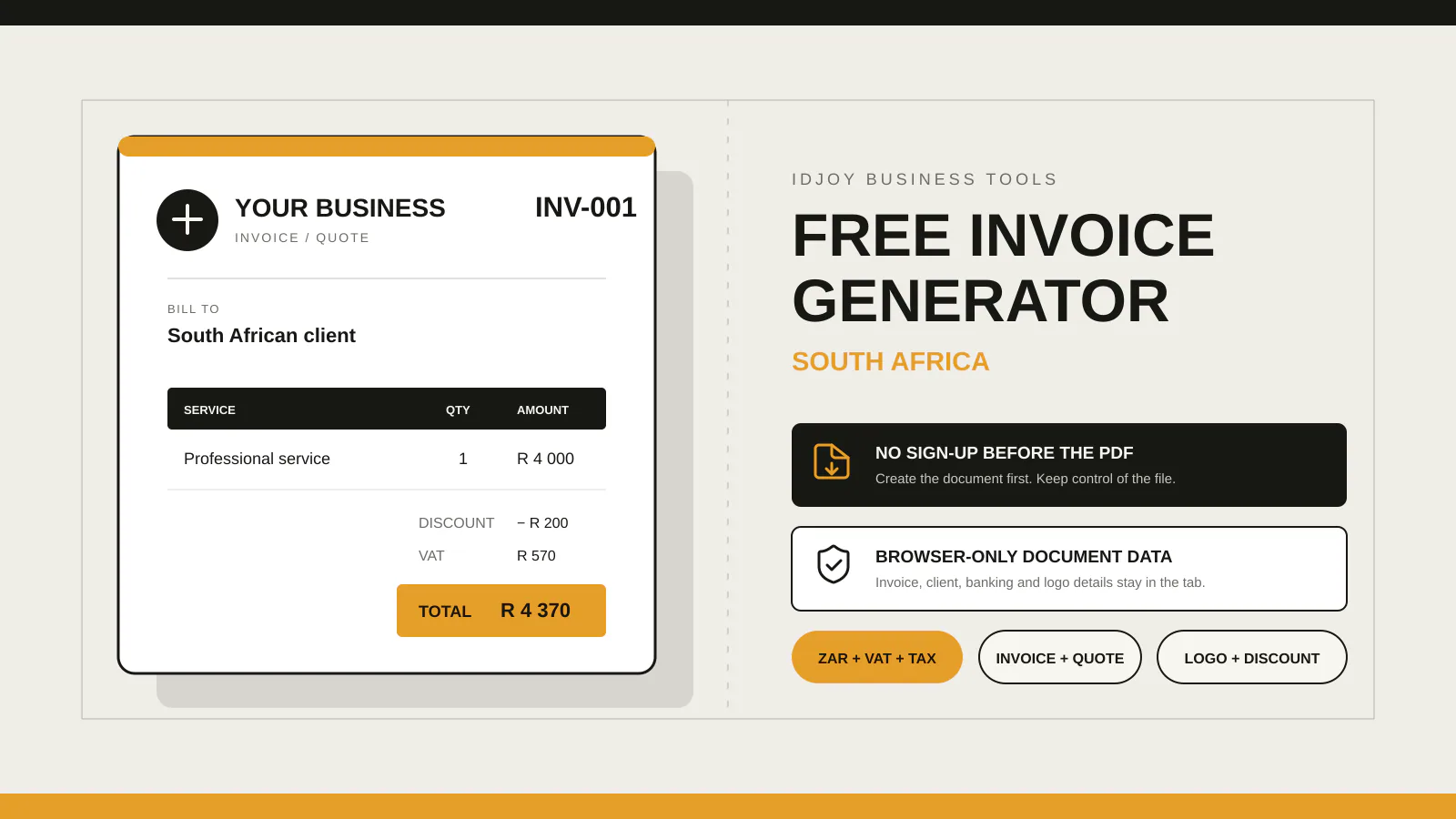
IDJoy’s free invoice generator lets you create an invoice or quote in your browser, add ZAR amounts, VAT where appropriate, terms, banking details and your logo, then download a PDF without an account.
The signed-in IDJoy invoice workspace lets you reuse business and client details and view drafts and invoice history. Sign in to check whether your account has access. New users can create an account and start a 14-day trial if workspace setup is available. If you are unsure, ask IDJoy about access.
To save a copy, the document must be an ordinary invoice in ZAR. It cannot include VAT or other tax, bank details, or an uploaded logo. It also requires your business name, client name, invoice number, issue date and 1–100 complete line items with a description, positive quantity and unit price. IDJoy holds the invoice details in the current browser tab for up to 30 minutes, then transfers them to the workspace only after you sign in and confirm the save there. Workspace invoices do not calculate VAT. Download the PDF if you need a quote, tax invoice, VAT, banking details or an uploaded logo.
Create your first free invoice or quote.
For a field-by-field walkthrough of the editor, read the IDJoy invoice generator guide.
Send the PDF with a short email that names the invoice number, total and due date. Set a follow-up date before you move on to the next job.
Check these details before sending
Compare the invoice with the agreed work and price. Confirm the client’s billing details, invoice number, issue date, agreed due date, payment reference and attachment. If you are a VAT vendor, check the current SARS tax-invoice guidance and its VAT 404 Guide for Vendors. Keep a copy of the invoice and the email you sent.