
Keep business income, costs and supporting documents easy to identify from the start. A separate account can simplify this, but whether it is required depends on your business structure and bank terms. Record every owner contribution or withdrawal and ask an accountant how to classify it for your circumstances.
When personal and business transactions share one account, a client payment can sit beside groceries, subscriptions and supplier costs. That makes it harder to see what the business earned, what it spent and which documents support each amount.
Start by keeping business transactions easy to identify and recording money moving between you and the business. A dedicated account can help, but it is not a universal rule for every South African business.
Create a clear home for business money
For a sole trader or partnership, a separate account is a practical way to make bookkeeping easier. If you use an existing account while setting up, keep a separate transaction record, such as a spreadsheet, and log each business payment and deposit. Include the date, customer or supplier, what the transaction was for, amount, payment reference and invoice or receipt location so personal purchases do not blend into business costs.
A registered company is legally distinct from its directors and shareholders, and the company owns its assets. Keep company funds and records clearly separate from personal money. SARS also treats sole traders and partners differently from companies for income-tax returns, so do not assume the same setup or reporting applies to each structure. (SARS Small Business Essential Tax Guide 2026; CIPC Director Quick Reference Guide)
Before choosing an account, check your registered structure, the account-holder name your clients will see, and your bank’s account terms and signing-authority requirements. If you cannot open a separate account yet, use a spreadsheet for business transactions and set a date to review the arrangement with your bank or accountant.
Record owner money separately
Owners sometimes put personal money into the business or take money out. Record the date, amount, direction and reason so a transfer is not mistaken for customer revenue or a normal supplier expense. The correct accounting and tax treatment depends on your structure and circumstances, so ask an accountant how to classify it rather than guessing.
Keep the evidence with the transaction
Save supplier invoices, receipts, customer invoices, payment confirmations and agreements. Use a naming pattern that includes date, supplier or client and document number.
Good records help you check whether a project was profitable, find a document when a client queries it and meet your record-keeping responsibilities. SARS says retention periods depend on your circumstances; the general rule is usually five years from submitting a return, with longer periods in situations such as an audit, investigation, objection or appeal. VAT vendors also have specific VAT record-keeping obligations. Check the current SARS record-keeping guidance and VAT vendor obligations for the rules that apply to you.
For a starting checklist, use the first 30 days business cash-flow guide. Each month, compare the entries in your spreadsheet or account statement with invoices, receipts and payment confirmations. Mark any item you cannot match and follow up before closing the month.
Make invoicing part of the boundary
Use the same business identity and payment details on quotes and invoices, and explain any difference between the legal name, trading name and account holder so clients can verify the payee. Add a unique invoice number, clear line items and a payment reference to connect work agreed with money received. The first-invoice guide for South African businesses explains the details to include.
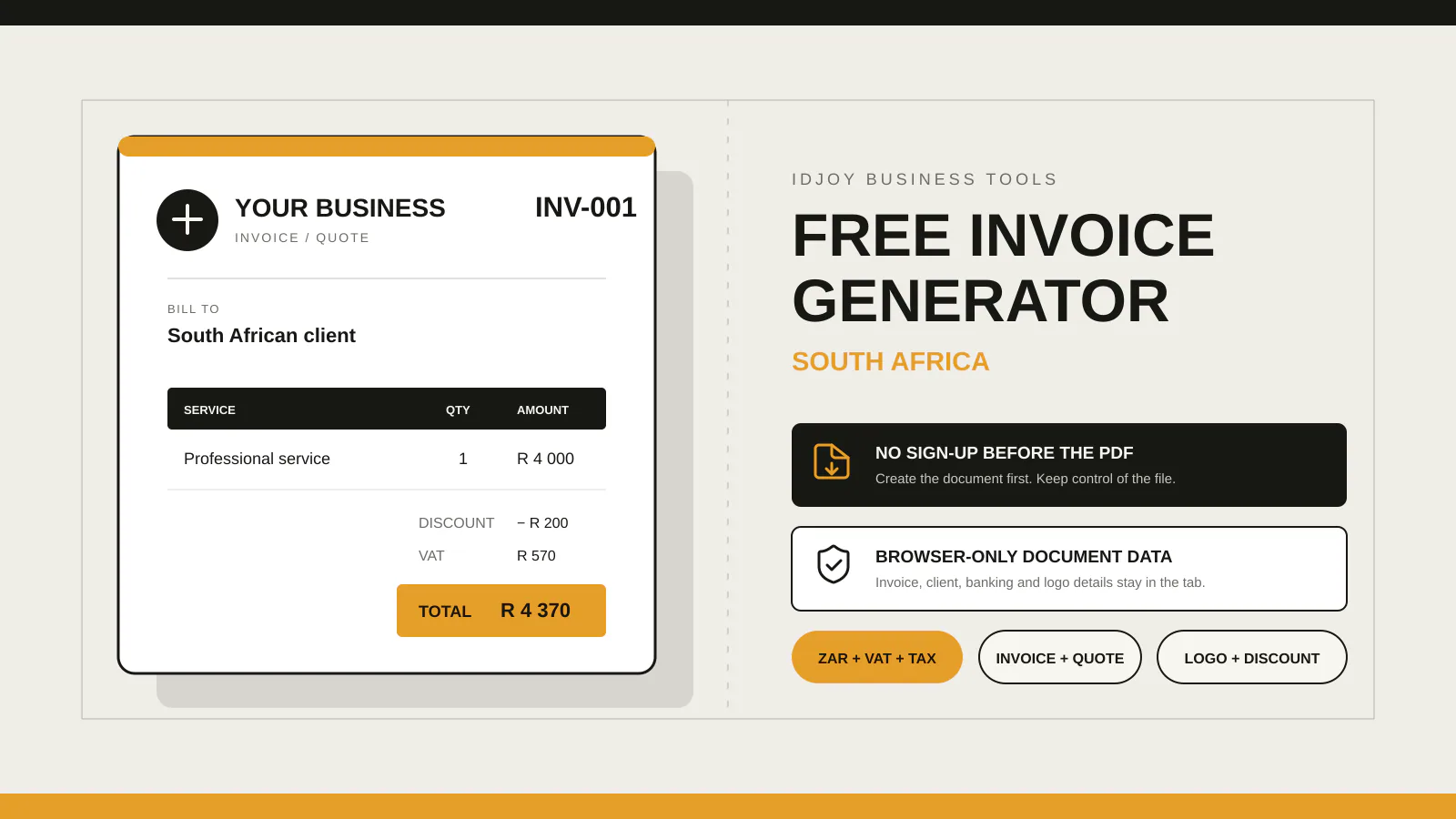
IDJoy’s free invoice and quote generator creates a PDF in your browser without an account. A standard ZAR invoice without VAT, tax-invoice status, banking details or an uploaded logo can be saved to the workspace after sign-in and confirmation. Quotes, tax invoices, VAT invoices, banking details and uploaded logos stay in the guest flow. The workspace does not calculate VAT, so check your document and tax requirements before sending it.